Best AI Auto Caption Generator for Video (2026)
Did you know that 80% of social media videos are watched on mute?
If you aren't adding captions to your Shorts, Reels, and TikToks, you are throwing away views. But manually typing out subtitles frame-by-frame is a nightmare.
This is where AI Auto Caption Generators come in.
Why Use AI for Captions?
1. Retention Boost
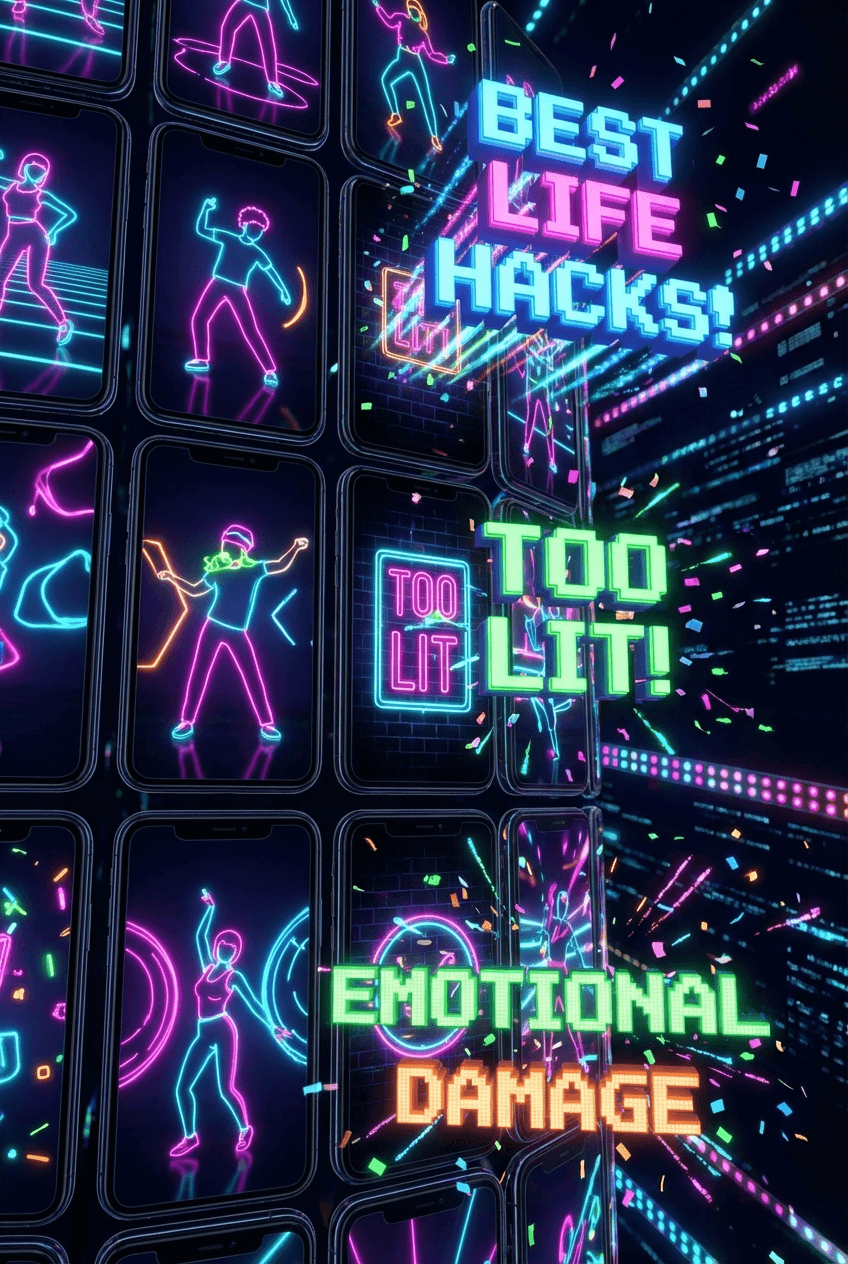
Dynamic captions keep viewers watching. Tools like MakeShorts don't just add text; they highlight keywords, add emojis, and pace the text to match the speaker's rhythm. This "kinetic typography" is scientifically proven to increase watch time.
2. Accessibility
Captions make your content accessible to the deaf and hard of hearing community, as well as anyone scrolling in a quiet place (like work or a library).
3. SEO Value
Social platforms index the text in your video. Adding captions helps the algorithm understand your content better, leading to more targeted distribution.
Best Tools for AI Captions
1. MakeShorts (Best All-in-One)
Not just captions—MakeShorts finds the clips for you. Upload a long video, and it extracts the best parts, reframes them, AND adds the captions automatically.
- Price: Free trial available. Plans start at $9/mo.
- Best For: Turning long videos into captioned shorts instantly.
2. Submagic (Best for Polish)
Submagic specializes in captions and offers highly customizable templates.
- Price: Starts at ~$20/mo.
- Best For: Polishing existing short videos.
3. Captions App (Best Mobile App)
Great for recording directly on your phone and adding captions on the go.
- Price: ~$10/mo.
- Best For: Mobile-first creators.
How to Get Auto Captions in Minutes
- Start: Go to MakeShorts.ai.
- Upload: Drop your video file or paste a YouTube link.
- Generate: Our AI transcribes the audio and syncs the text perfectly.
- Style: Choose a preset (e.g., Hormozi style) or customize your font and colors.
- Export: Download your video with burned-in captions ready for TikTok.
Stop typing. Start creating.
👉 Try MakeShorts Auto Captions Free
Ready to create shorts in minutes?
Paste a YouTube link, get social-ready shorts with AI. No editing required.
Try MakeShorts freeNo credit card required • Free credits included