

How to Repurpose a Long Video into Shorts
One 20-minute video can easily become 5–10 shorts. The bottleneck is usually the process: finding the right moments, cutting them, adding captions, and exporting. Here's a workflow that keeps that under control.
Why bother repurposing?
Three reasons we hear most: reach (Shorts hit a different feed and audience), time (you already did the hard part—the script and the shoot), and reuse (the bits that work in long-form often work even better as standalone shorts). People who skip repurposing usually say they don't have time. The fix is to make the process fast enough that it becomes routine.
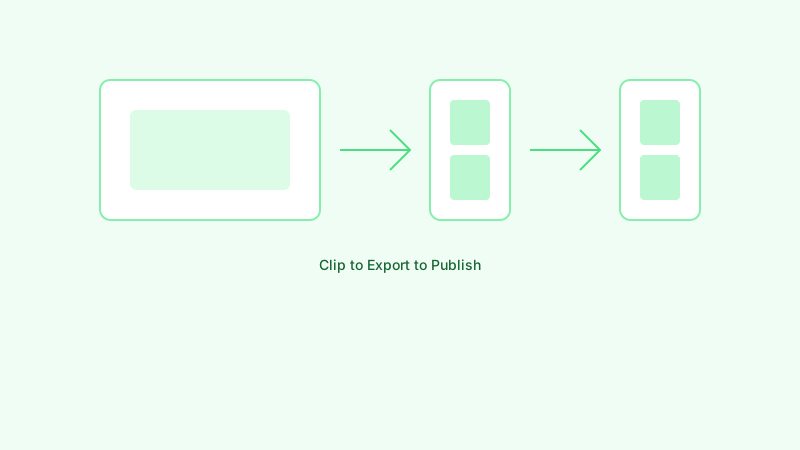
Step 1: Pick the right source video
Start with something that already works. Check your analytics: which long videos have the highest watch time or the clearest retention bumps? Those peaks are often single ideas or moments—perfect for shorts. Tutorials with distinct steps, interviews with quotable lines, and vlogs with clear beats all cut up well. If a video felt flat as long-form, it usually won't magically work as shorts either.
Step 2: Find 30–60 second moments
Each short should stand alone. One idea, one tip, one story beat. Avoid cutting in the middle of a thought or right before a payoff. Look for: a strong opening line or visual, a clear conclusion, and as little setup as possible (or trim the setup). If you're doing this manually, scrub to the retention spikes in your analytics—that's where the good stuff is.
Step 3: Cut and add captions
You can do this in an editor, or use a tool. We built MakeShorts so you can paste a YouTube link, get AI-suggested clips, and export with captions already synced. Either way, make captions part of the workflow. A lot of Shorts are watched muted; if the text is wrong or missing, you're leaving views on the table.
Step 4: Export and publish
Export in 9:16 for Shorts, TikTok, and Reels. If the source is YouTube, we usually upload to Shorts first, then reuse the same file elsewhere. Add a short title and description; a few hashtags can help discovery. Don't overthink it—shipping consistently matters more than perfect packaging.
Step 5: See what sticks
Check which shorts get views, likes, and subs. Double down on that format and length. Over time you get a repeatable system: one long video in, several shorts out, without a full day in the edit bay.
If you want to skip the manual cutting, try MakeShorts—paste the link, choose your clips, download. Same idea, less clicking.
Ready to create shorts in minutes?
Paste a YouTube link, get social-ready shorts with AI. No editing required.
Try MakeShorts freeNo credit card required • Free credits included