Welcome to the MakeShorts Blog
We've been talking to creators who turn long videos into shorts—tutorials, vlogs, interviews. The same story keeps coming up: finding the right 60 seconds, cutting it, adding captions, and exporting for three different aspect ratios can eat an afternoon. So we built MakeShorts to handle the heavy lifting. This blog is where we'll share what we're shipping, what we're learning, and how others are using it.
Why MakeShorts?
The manual workflow looks like this: you watch the full video, scrub for the best moment, drop it into an editor, trim, add captions (often by hand or with a separate tool), then export once for YouTube, again for TikTok, again for Reels. It works, but it doesn't scale. Most people we talked to were doing one or two shorts per long video when they had time. The rest of the footage sat unused.
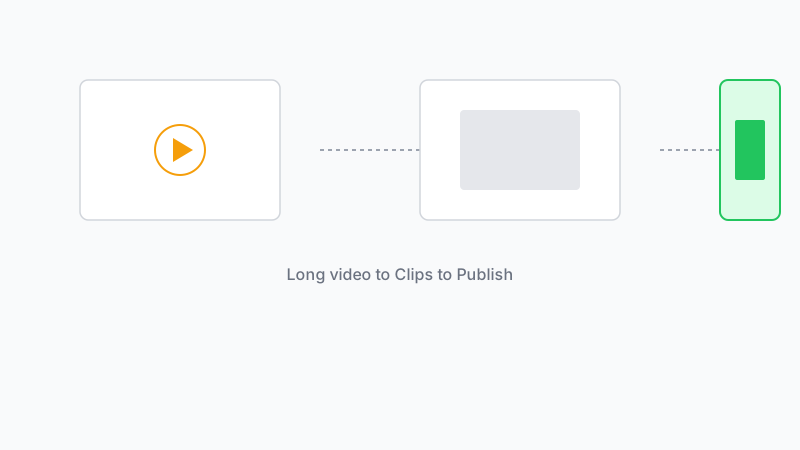
MakeShorts is built around a different idea: paste a YouTube link, let the AI suggest clips and generate captions, then download what you need. No timeline, no manual caption sync. We're not trying to replace full editing—we're focused on the repurposing step that takes the most time for the least creative payoff.
What we're working on
Right now we're doubling down on clip quality. The goal is to surface moments that actually hold attention (strong hooks, clear payoffs) instead of arbitrary 60-second chunks. We're also adding support for more platforms and export presets, and we're testing a flow that turns one long video into a full short series in one go—same link, multiple clips, ready to publish.
If that sounds useful, give MakeShorts a try. We'd love to hear what you'd want from a tool like this.
Ready to create shorts in minutes?
Paste a YouTube link, get social-ready shorts with AI. No editing required.
Try MakeShorts freeNo credit card required • Free credits included