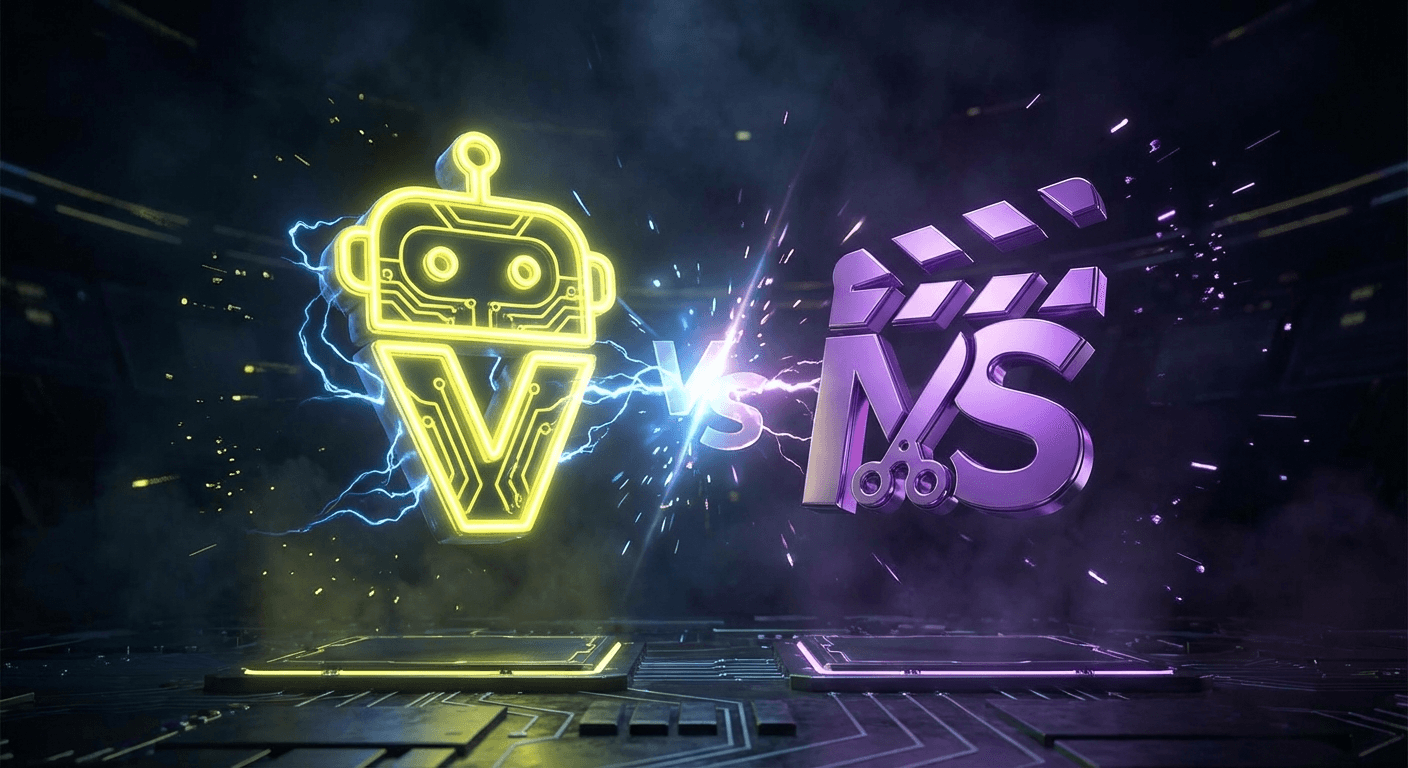
Best Vizard Alternative: Why MakeShorts is the Better Choice (2026)
Love Vizard's features but hate the limitations? Discover why MakeShorts is the top alternative for creators. (See how we rank against others in our Best AI Shorts Generators guide.)
Vizard (Vizard.ai) is a solid tool for webinar recordings and Zoom calls. But for creators focused on YouTube and vertical video, its interface can feel cluttered and its "screen recording" focus isn't always relevant.
MakeShorts offers a streamlined, creator-first experience that focuses purely on extracting viral moments from your long-form content.
Vizard vs. MakeShorts: The Breakdown
| Feature | Vizard (Creator) | MakeShorts (Plus) | Winner |
|---|---|---|---|
| Monthly Price | ~$30/mo | $29.25/mo | Tie |
| Yearly Price | ~$16/mo | $9.75/mo | 🏆 MakeShorts |
| Upload Limit | 1200 mins/mo | 350 mins/mo | Vizard (Volume) |
| Export Quality | 1080p | High Quality | Tie |
| Watermark | No (Paid) | No (Paid) | Tie |
| Interface | Complex (Editor-heavy) | Simple (Clip-focused) | 🏆 MakeShorts |
Why Switch to MakeShorts?
1. Built for Viral Clips, Not Just Webinars
Vizard shines with "speaker layout" designs meant for Zoom calls and webinars. MakeShorts is built for entertainment and engagement—perfect for podcasts, gaming streams, and YouTube commentary. Our AI is tuned to find the "hook," not just the person talking.
2. Significant Cost Savings
While Vizard offers a high volume of minutes, many creators simply don't need 1200 minutes a month. You end up paying for unused capacity. MakeShorts offers a much lower entry point ($9.75/mo annually) for a generous 350 minutes—perfect for a weekly podcast or daily stream.
3. Faster "Time to Post"
Vizard's editor is powerful but complex. MakeShorts focuses on getting you from "Upload" to "Download" in as few clicks as possible. We handle the framing, captioning, and active speaker detection automatically so you don't have to fiddle with layouts.
Who Should Use MakeShorts?
- YouTube Creators: Who want to repurpose long videos into Shorts.
- Streamers: Who need to turn 4-hour streams into bite-sized highlights.
- Podcasters: Who want to share key insights on TikTok/Reels.
FAQ
Can I upload 4K videos? Yes! MakeShorts supports high-quality uploads to ensure your clips look crisp on every platform.
Does MakeShorts have auto-captions? Yes, our AI generates accurate captions automatically, which you can style to match your brand.
Is there a free trial? Absolutely. Try MakeShorts for free (no credit card required) and see the magic for yourself.
Stop Overpaying for Webinar Tools
Get a tool built for creators.
Ready to create shorts in minutes?
Paste a YouTube link, get social-ready shorts with AI. No editing required.
Try MakeShorts freeNo credit card required • Free credits included